
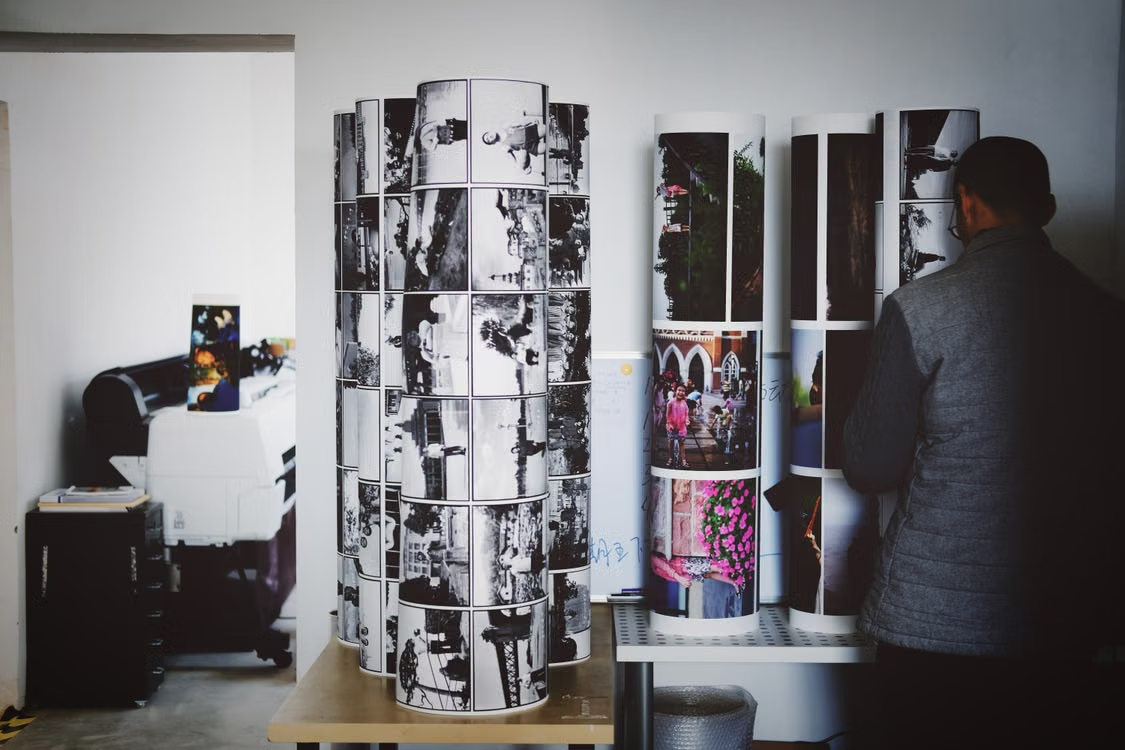
Lots of photographers and creators sell physical versions of their digital files to make extra money. Picking the right print lab is a big step. If a customer gets a bad print, they won’t buy from you again. A good final product comes down to the materials, the machines, and the shipping. This guide looks at seven different printing options. It also covers the basics of printing so you can figure out what works for your business.
What Makes a Professional Print?
Before looking at specific labs, you need to know the basic standards. Everyday consumer printers use cheap materials to keep their prices low. Pro labs use archival materials instead. Archival just means the print won’t fade over time.
Cheap labs usually use dye inks. These will fade if you hang the art in the sun. Professional labs use pigment inks. Pigments hold their colour for decades without changing. The actual canvas material matters a lot, too. Budget options are just 100% polyester. The better ones mix cotton and polyester together. You get the normal look of cotton, but it stays tight and strong because of the polyester.
Top 7 Canvas Print Services
1. Posterjack
Posterjack is a Canadian printing company. They focus on fine art reproduction. They operate out of Toronto. Their production process uses specialized equipment for colour accuracy. When you plan on ordering canvas prints, you should review the specific inks the lab uses. Posterjack uses original HP Vivera inks. These inks are rated for over 200 years of fade resistance. The company also uses Canadian basswood for their stretcher bars. Basswood does not warp easily. This ensures the frame remains flat against the wall.
2. WhiteWall
WhiteWall operates primarily out of Germany. They supply many international art galleries. They offer custom sizing down to the exact centimetre. This is useful if you print non-standard aspect ratios. They use an Epson Stylus Pro system for their production. WhiteWall offers different edge finishing options. You can choose mirrored edges, folded edges, or solid colour edges. Their production process is heavily automated. This reduces human error during stretching.
3. Printique
Printique is the printing division of Adorama. They are based in New York. They cater to professional wedding and portrait photographers. They offer a heavy-weight poly-cotton material. Their standard frame depth is 1.5 inches. They use an automated stretching machine to ensure tight corners. Printique provides high-quality colour reproduction. Their printing profiles match standard sRGB and Adobe RGB colour spaces accurately.
4. Bay Photo Lab
Bay Photo Lab is located in California. They have a long history in the professional photography industry. They use a proprietary coating on their products. This coating protects against moisture and minor scratches. Photographers use their desktop software to place orders. This software is very reliable for large-volume orders. Bay Photo offers fast turnaround times. They often ship within two to three business days.
5. CanvasPop
CanvasPop focuses on casual creators and social media influencers. They offer direct integration with platforms like Instagram. Their interface is the easiest to use among the seven services. They provide a digital proof before printing. This helps catch cropping errors. Their material has a very distinct texture. It works well for digital art and illustrations. They also offer a lifetime guarantee on their products.
6. Mpix
Mpix is the consumer-facing division of Miller’s Professional Imaging. They offer a balance between professional quality and consumer-friendly pricing. They use a tight weave material. This prevents the loss of fine details in high-resolution photographs. Mpix limits the amount of custom sizing available. They stick to standard photographic ratios. This helps them maintain fast production times. They package their items very securely.
7. ProDPI
ProDPI is another lab dedicated strictly to professionals. They require an account to view their full pricing catalogue. They offer unbranded packaging as a standard feature. This makes them ideal for drop-shipping. Their colour management is very strict. They calibrate their printers multiple times a day. If you use a calibrated monitor, your final print from ProDPI will match your screen.
Material Specifications and Technologies
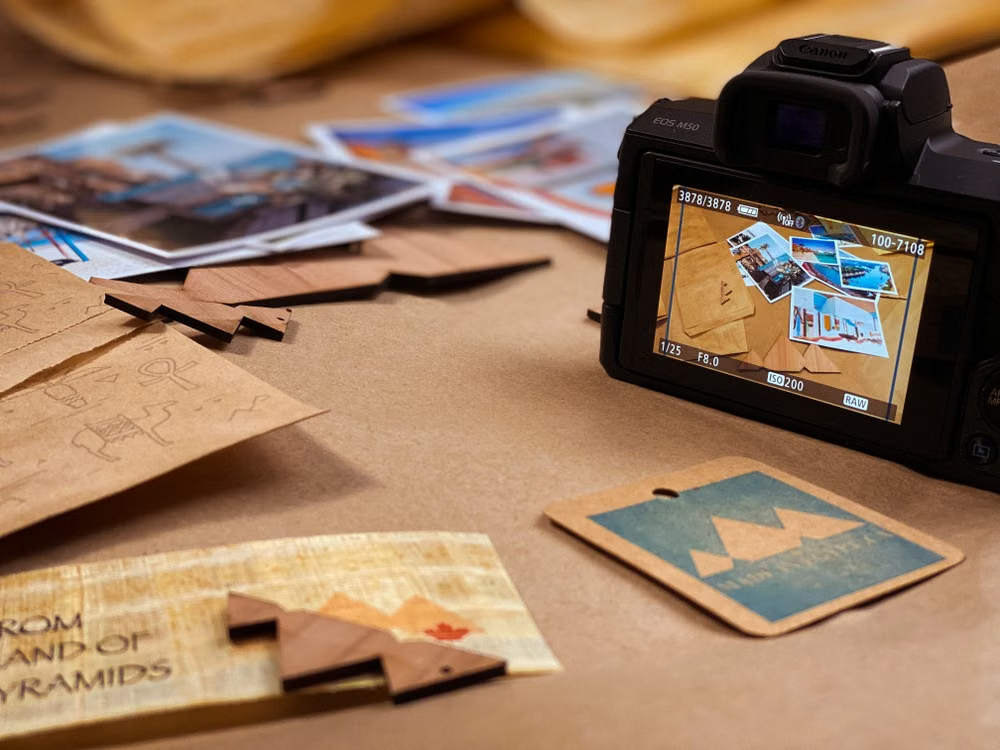
The base material dictates the final look of the artwork. Most professional services use a poly-cotton blend. A 65% polyester and 35% cotton blend is the industry standard. This combination prevents the material from sagging over time. It also accepts ink better than pure cotton.
Optical Brightening Agents (OBAs) are chemical compounds added to the material. They make the white areas look brighter. However, OBAs break down over time. When they break down, the material turns yellow. Archival printing standards require the use of OBA-free materials. OBA-free materials paired with pigment inks provide the highest longevity ratings for fine art reproduction.
|
Printing Service |
Standard Material |
Standard Frame Depth |
Target Market |
|
Posterjack |
Poly-Cotton Blend |
1.5 inches |
Photographers & Creators |
|
WhiteWall |
Poly-Cotton Blend |
0.78 or 1.57 inches |
Gallery Artists |
|
Printique |
Heavyweight Canvas |
1.5 inches |
Wedding Photographers |
|
Bay Photo |
Poly-Cotton Blend |
1.5 or 2.5 inches |
High-Volume Studios |
|
CanvasPop |
Standard Blend |
0.75 or 1.25 inches |
Influencers & Digital Artists |
|
Mpix |
Tight Weave Canvas |
1.5 inches |
Prosumers |
|
ProDPI |
Poly-Cotton Blend |
1.5 inches |
Commercial Photographers |
Understanding Inkjet Technology
Modern fine art reproduction relies on inkjet technology. This is often called giclée printing. The printers use microscopic nozzles to spray ink onto the material. These printers are much larger than home office printers. They often measure up to 60 inches wide.
Home printers use four ink colours: cyan, magenta, yellow, and black. Professional fine art printers use up to twelve different ink colours. They include light cyan, light magenta, and multiple shades of grey. These extra colours allow the printer to reproduce smooth gradients. This is especially important for black and white photography. A four-colour printer cannot produce a neutral black and white image. It will always have a slight green or magenta tint. A twelve-colour printer uses the dedicated grey inks to maintain absolute neutrality.
Traditional Photo Paper Versus Canvas
Photographers must decide between traditional paper and fabric materials. Paper provides maximum sharpness. It displays fine details perfectly. However, paper requires a glass frame for protection. Glass adds weight. It also creates reflections. Large framed paper prints are very difficult to ship. The glass breaks easily during transport.
Fabric materials solve these problems. The textured surface hides minor imperfections in the digital file. The wooden frame is rigid but lightweight. The product does not require glass. This reduces the shipping cost significantly. It also eliminates glare from room lighting. Buyers prefer this format because it is ready to hang immediately out of the box. They do not need to visit a custom framing shop.
Preparing Your Digital Files
You cannot simply upload a photo and expect perfect results. File preparation is a critical step. A low-resolution file will look blurry when printed on a large scale. You must check your pixel dimensions before uploading.
Most labs recommend a resolution of at least 150 pixels per inch (PPI). Because the material has a textured surface, you do not always need 300 PPI. The texture hides minor pixelation. However, you should still upload the highest resolution file your camera produces.
Colour Management and Accuracy
Colour accuracy separates professional labs from consumer labs. When a photographer edits a photo, they want the physical copy to match their screen exactly. This requires a calibrated workflow.
You must calibrate your computer monitor using a hardware calibrator. This ensures your screen displays neutral colours. Once your monitor is accurate, you can use ICC profiles. An ICC profile is a data file that describes how a specific printer and paper combination reproduces colour. You install this file on your computer. You then use image editing software to simulate the final output. This process is called soft-proofing.
Coating and Protection
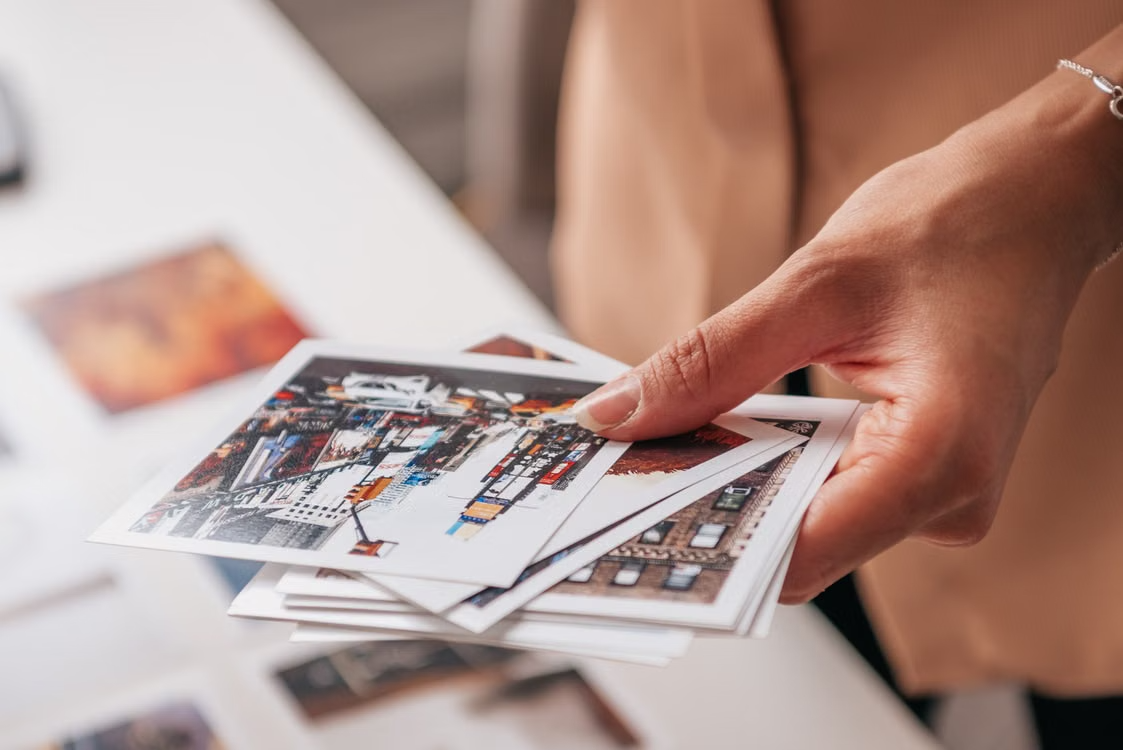
Once the ink dries on the fabric, it is vulnerable. The surface can easily scratch. Dust can settle into the texture. Most professional services apply a liquid laminate to the surface. This coating protects the ink. It also adds UV protection.
Without a UV coating, the colours will fade quickly if placed near a window. The laminate acts like sunscreen for the artwork. The coating also changes the finish of the product. You can usually choose between matte, satin, or glossy finishes. A matte finish reduces glare. It works well in brightly lit rooms. A glossy finish increases contrast. It makes colours look more saturated. A satin finish is a compromise between the two.
Edge Finishing Options
When the fabric wraps around the wooden frame, the image must cover the sides. Labs offer different ways to handle this. You need to choose the best option for your specific image composition.
The first option is an image wrap. The main image continues around the sides of the frame. This looks modern. However, you lose significant details from the edges of your photo. If a vital element is near the edge, it might get wrapped around the side.
The second option is a mirrored edge. The lab copies the outer edge of your image and flips it outward. The main image stays on the front face. The sides show a reflection of the outer pixels. This is the most popular choice for photographers.
The third option is a solid colour border. The main image stays on the front. The sides are printed in a solid colour, usually black or white. This creates a clear boundary between the image and the wall.
Logistics for Content Creators
Content creators rarely hold physical inventory in their homes or studios. They rely on drop-shipping. Drop-shipping means the printing lab sends the product directly to the customer. The lab acts as the fulfillment centre.
This business model requires white-label shipping. White-label shipping means the lab removes its own branding from the box. The customer receives a package that looks like it came directly from the creator. Not all labs offer this service for free. Some charge an extra fee. Others only offer it on professional business accounts.
|
Printing Service |
Average Production Time |
White-Label Shipping |
Primary Shipping Hub |
|
Posterjack |
3-5 business days |
Yes |
Canada |
|
WhiteWall |
5-7 business days |
Yes |
Germany |
|
Printique |
3-4 business days |
Yes |
USA |
|
Bay Photo |
2-3 business days |
Yes |
USA |
|
CanvasPop |
4-6 business days |
No |
USA |
|
Mpix |
1-2 business days |
No |
USA |
|
ProDPI |
2-3 business days |
Yes |
USA |
Setting Retail Margins
Creators must price their artwork correctly. Selling physical products includes hard costs. You have to pay the printing lab. You also have to pay for shipping materials and postage. The remaining money is your profit.
A lot of sellers just use a basic multiplier. If making and shipping a piece costs $50, they might charge $150. You need that extra buffer for things like website fees, ads, and your own time. Pricing things too cheap usually backfires because you end up paying for returns or support out of your own pocket.
Dealing with Customer Issues
Things will occasionally get broken in the mail. Couriers are not always gentle. Even if you pack it well, wood frames snap, and canvas gets torn in transit.
This is why the printer’s support team matters. If they refuse to fix a shipping mistake, that money comes out of your pocket. Read their damage policy first. The best companies just ask for a picture of the broken item and ship out a new one right away. Avoid places that make your buyer pay return shipping for a damaged print. It makes your business look bad and ruins the buyer’s experience.
Conclusion
Getting physical art to your buyers means you need a printer you can trust. Focus on good materials and accurate colours instead of just finding the cheapest option. Good products keep buyers coming back. Posterjack is a solid choice for archival prints in Canada. WhiteWall works well if you sell internationally. If you move a high volume of orders, ProDPI and Bay Photo are very dependable.
Look at how your business runs and see if you actually need drop-shipping. Buy a few test prints from different places first. Check the build quality, the colours, and how sharp the image is. Then, pick the one that fits your setup and treats your buyers well.